5.1.1 · Current preview
Apple Silicon only. Adds a free check of your GunBound Wine setup and opens your local launcher.
Download 5.1.1 DMG CloudBoost
Official downloads · macOS 12+
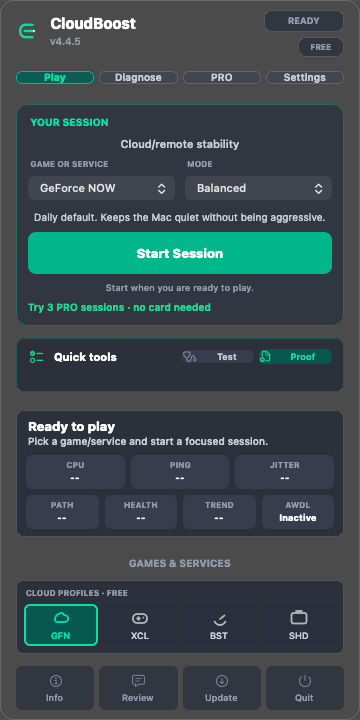
Start with the free app traffic check in CloudBoost 5. Choose the current preview for Apple Silicon or the universal build for Intel.
Three PRO trial sessions are available without an account or card.
Apple Silicon only. Adds a free check of your GunBound Wine setup and opens your local launcher.
Download 5.1.1 DMGIntel and Apple Silicon. Use Session Center to check app traffic, choose an action and test again.
Download 5.1.0 DMGPRO 5 starts at US$12 once for one Mac. Moving from PRO 4.x to PRO 5 requires a new license. Compare Free and PRO 5.
Already own a 4.x license? Open the CloudBoost 4.x archive.
Install
Download the official disk image, open it, and drag CloudBoost into Applications.
The public tap installs the archived 4.4.6 build for existing license holders. Use the DMG above for CloudBoost 5.
brew tap victorbrandaao/cloudboost
brew install --cask cloudboost
Already installed? Update your tap, then upgrade:
brew update
brew upgrade --cask cloudboost
Before opening
Move CloudBoost to Applications, then run xattr -cr /Applications/CloudBoost.app in Terminal. This clears the download quarantine flag; it does not disable macOS security globally.
Verify the source
Releases, signatures and checksums are published in the public GitHub repository. The Trust Center documents what CloudBoost changes, what it restores and what it does not do.